
Two panes.
One calm place for all your files.
MoloCommander brings the speed of the classic commanders to a modern, native Mac app. Source on the left, target on the right — copy, move, sync and organise files on your Mac, external drives and cloud folders with drag and drop or the keyboard.
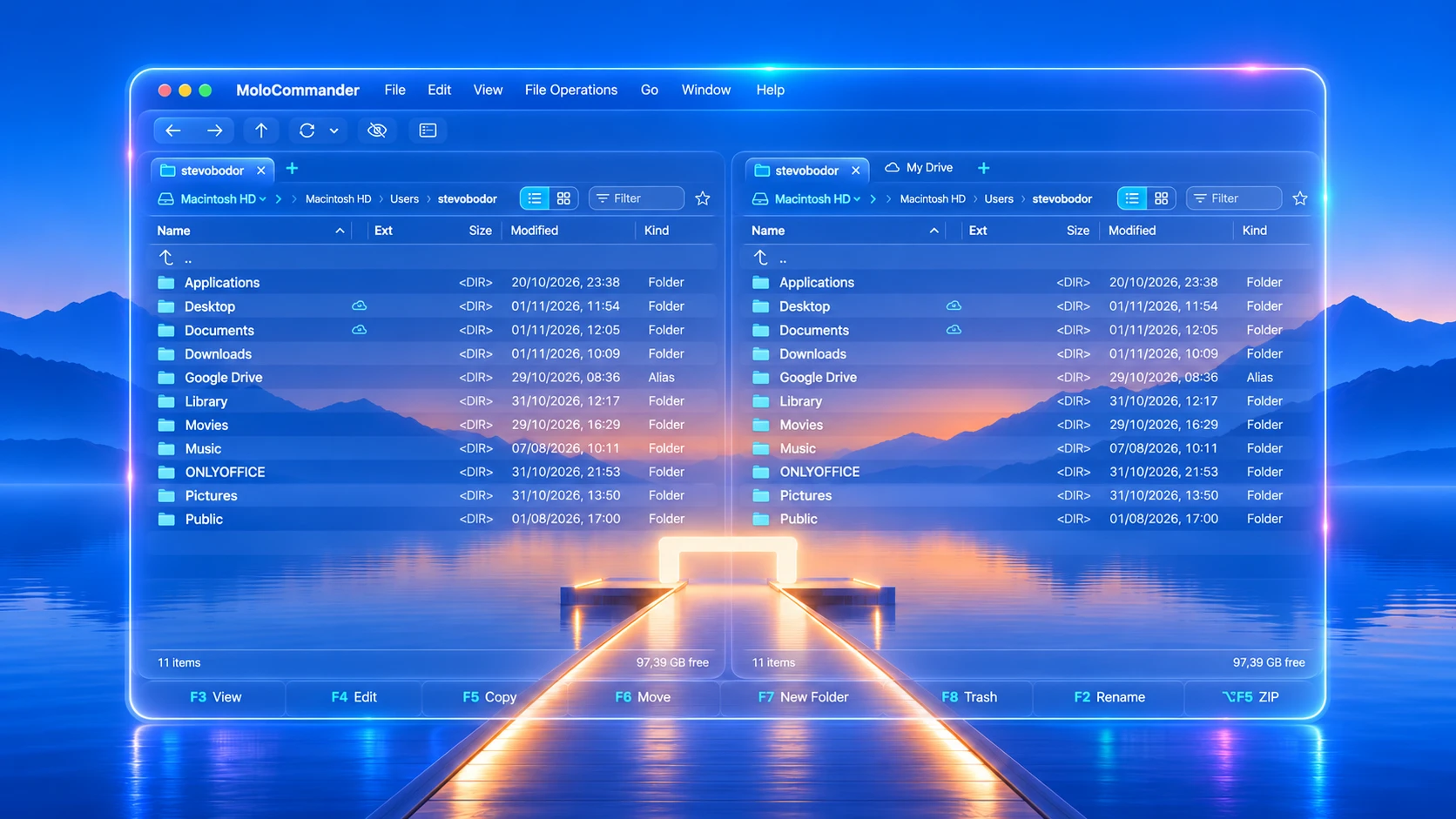
Everything you do with files, in one window
Open the app and you immediately know how to copy, move, find and organise — no manual, no fifty settings.
Two independent panes with tabs
Each pane has its own tabs, history, sorting and filter. Save pairs of locations as workspaces — “Photos → SSD”, “Projects → Dropbox” — and restore them in one click.
Drag and drop everywhere
Between the panes, from and to Finder and other apps, straight onto a folder. Hold ⌘ to move, ⌥ to copy. Drops into cloud folders copy by default, so nothing disappears by accident.
Copying you can trust
Every transfer shows progress, speed, file count and time left, and can be paused, reordered or cancelled. Files are written under a temporary name and only renamed when complete.
Undo that really works
⌘Z undoes renames, batch renames, new folders, copies, moves and the Trash. When you replace a file, the old one goes to the Trash first — so even that can be undone.
Folder sync with a preview
Left → right, right → left or both ways, by date and size or by content. You see every change before it happens and can change any row. The whole sync is one undo step.
Media view
Big thumbnails for photos, HEIC, RAW and videos with resolution and duration. Folders full of photos switch to thumbnails automatically. Space opens Quick Look.
Cloud drives and disks
iCloud Drive, Dropbox, Google Drive and OneDrive appear as normal folders with a clear status: local, available offline, cloud only or syncing. External SSD/USB and SMB/NAS drives too.
Your keyboard, your way
Commander mode with F3–F8, Insert to mark and Tab to switch panes — or Mac mode with ⌘C/⌘V and Space for Quick Look. Start typing to filter any folder instantly.
Modern Mac, or the 90s you remember
Pick the look that fits your eyes and your habits. Change it any time in Settings — the app works the same in every theme.
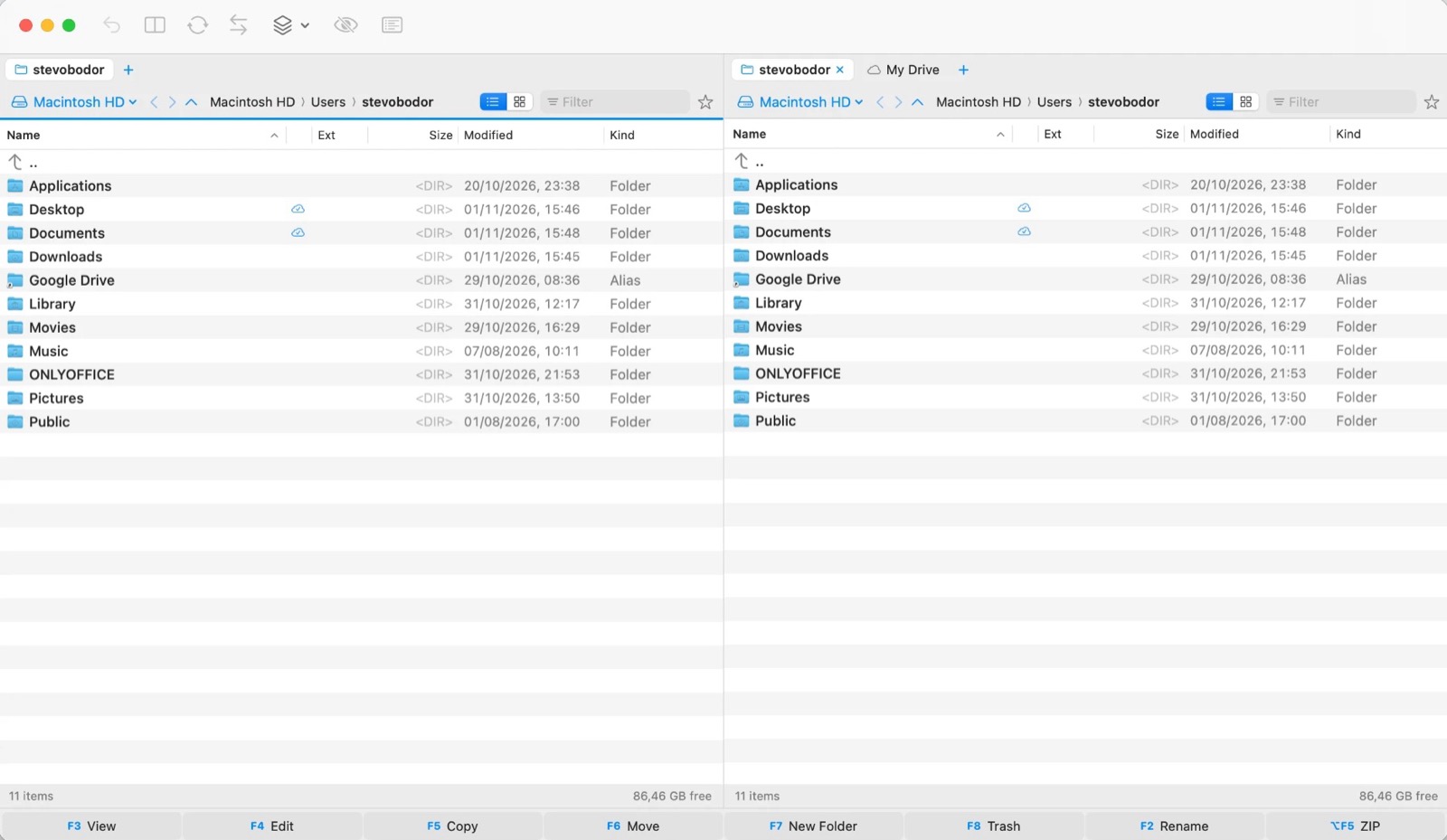
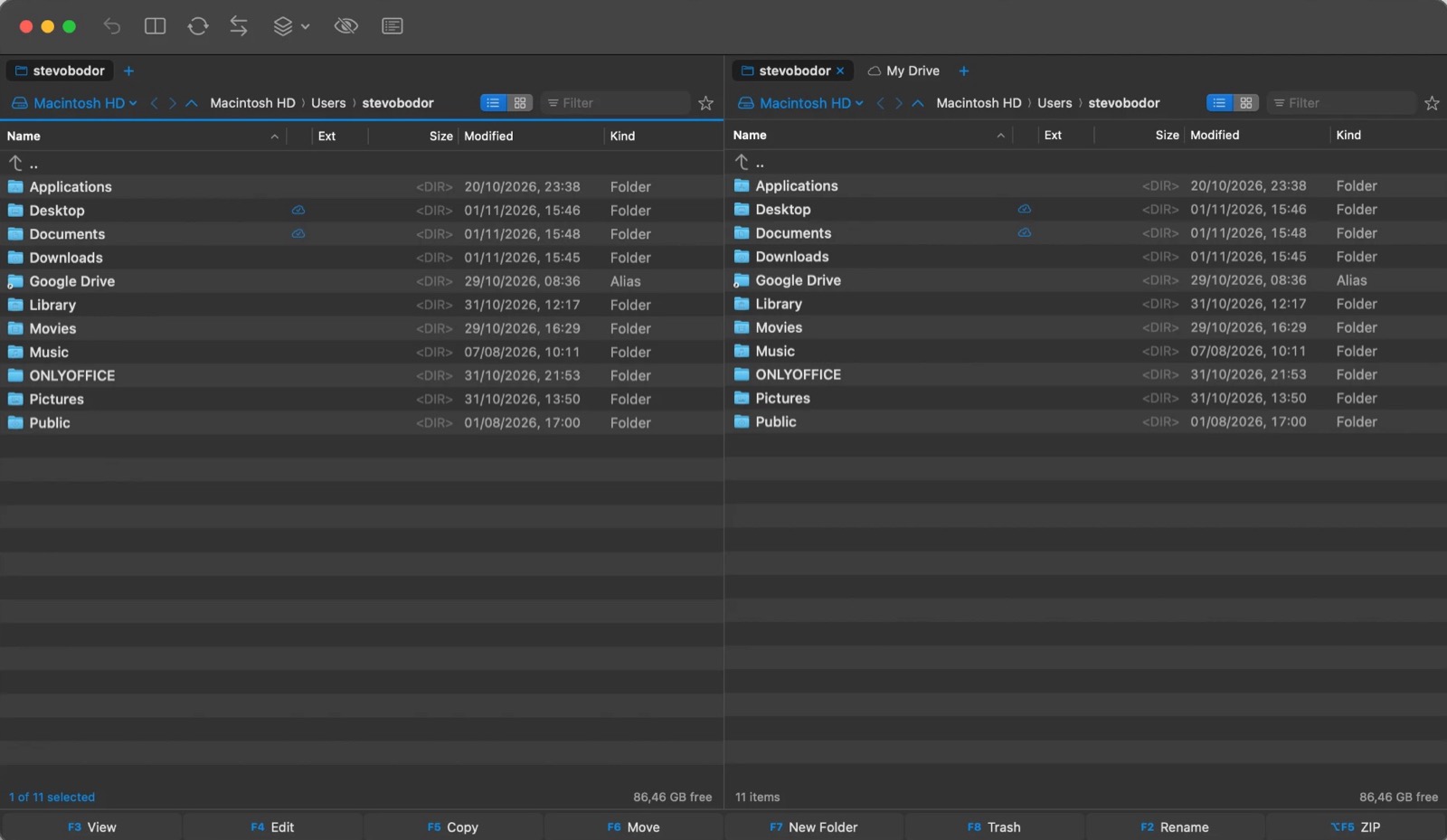
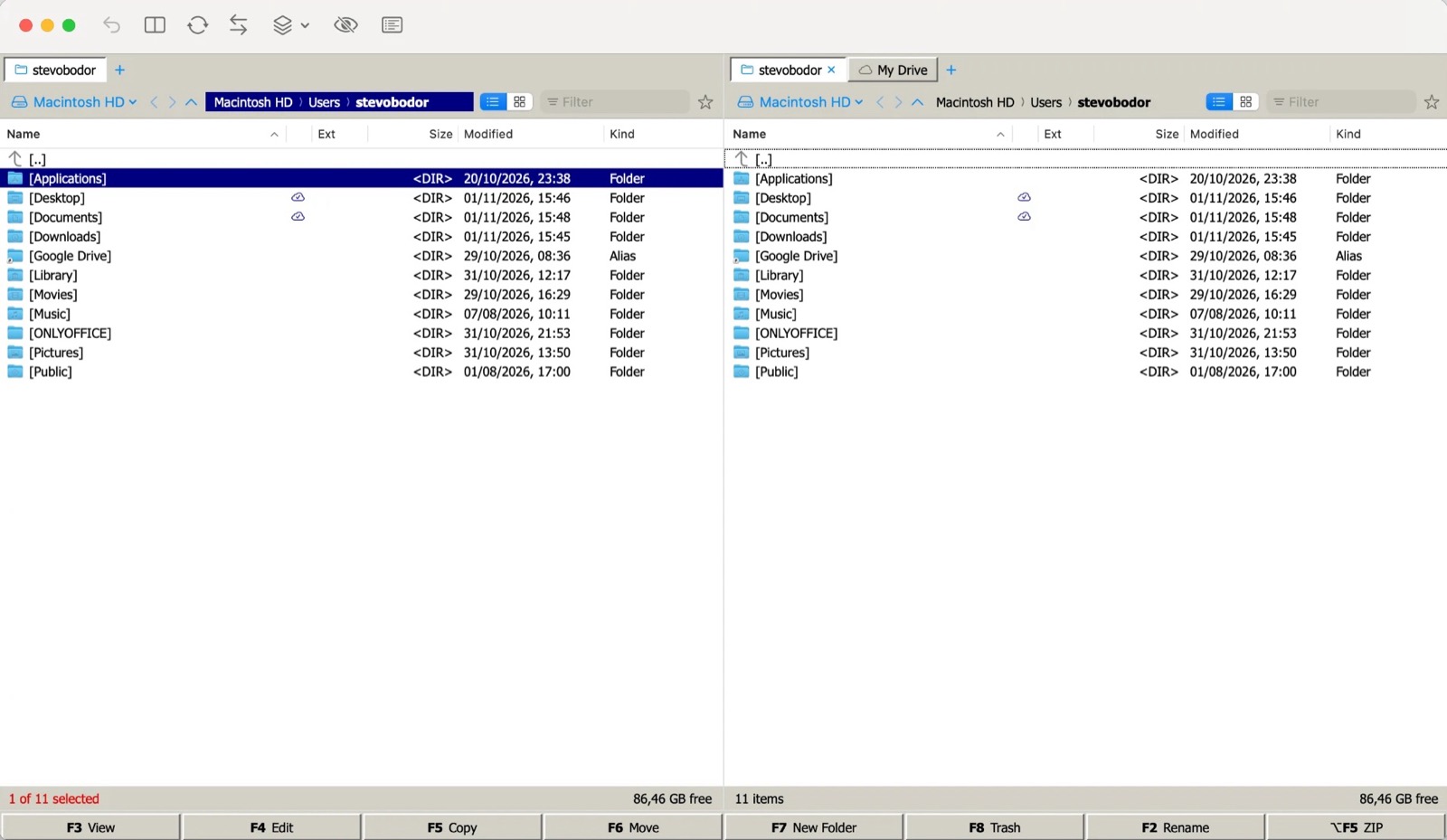
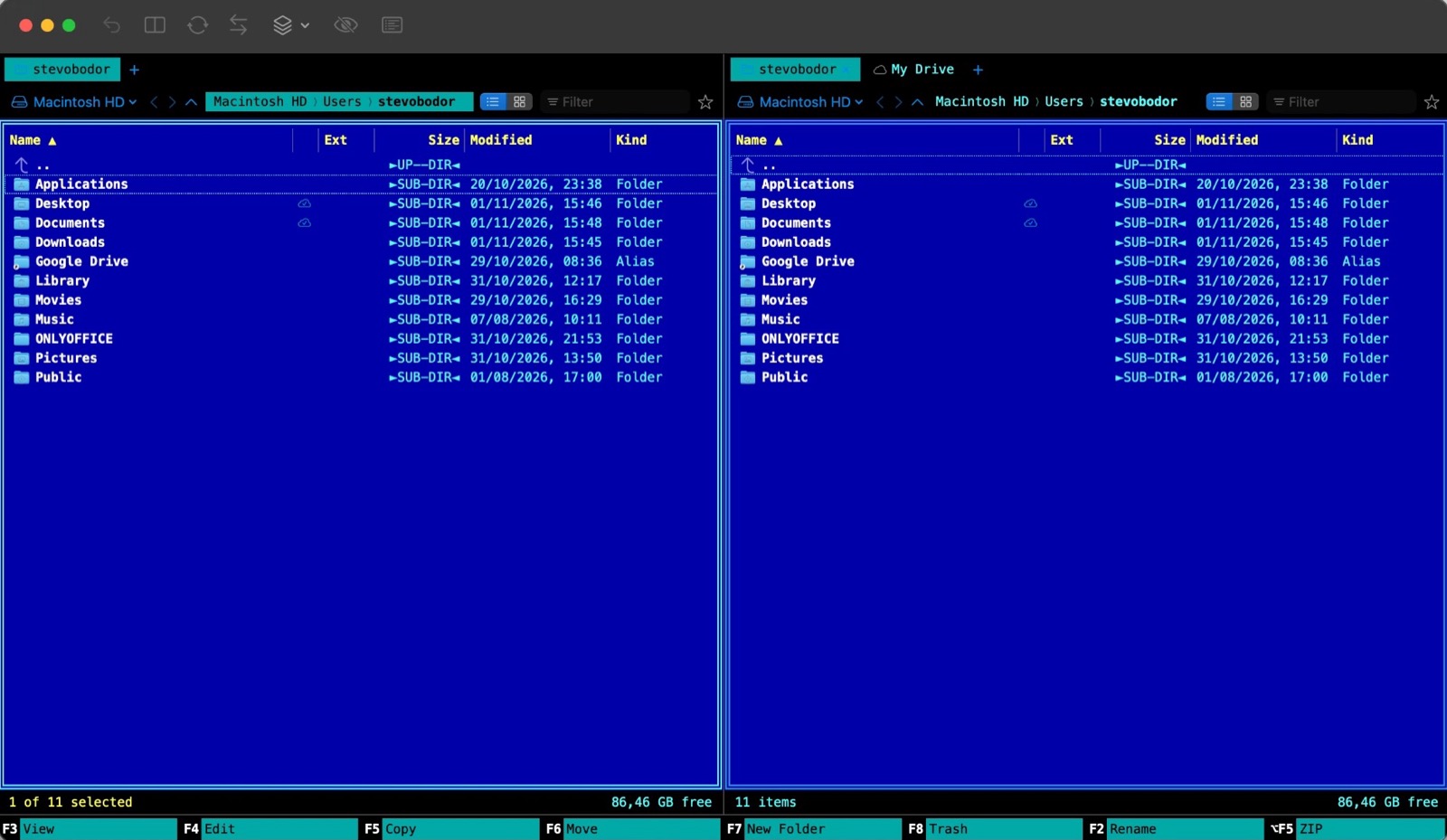
System — the native macOS look, light or dark with your Mac.
Keep a backup drive, a cloud folder and your Mac in step
Open the two folders in the left and right pane and press ⇧⌘S. MoloCommander compares them and shows exactly what it would do.
- Never overwrites a newer file in a one-way sync
- Mirror mode moves extra files to the Trash — only when you turn it on
- Compare by date and size, size only, or byte-by-byte content
- Change any row before you start; undo the whole sync with ⌘Z
Big copies, clearly visible — and never a silent failure
All transfers live in one queue. If something can't be copied, MoloCommander tells you what and why, and lets you retry just those items.
- Replace, Skip, Keep Both — with size and date compared side by side
- Pause, resume, cancel and reorder transfers
- Moving between disks deletes the source only after a complete copy
- Deleting uses the macOS Trash by default
One price. Yours for life.
No subscription, no account, no ads. Pay once and the license never expires.
- MoloCommander for Mac (Apple Silicon, macOS 14+)
- In 10 languages, including English and German
- Personal license for the Macs you own or use
- All 1.x updates free
- Invoice by email
- 14-day money-back guarantee
Secure payment by card via Stripe. Prices in US dollars. By buying you agree to the Terms & Refund Policy.
Checkout is handled by Stripe. We never see your card.
Your download page opens right away; the link and license key are emailed too.
Open MoloCommander, paste the license key, done.
Questions & answers
Is it a subscription?
No. You pay $19 once and get a lifetime license for MoloCommander. Updates within version 1.x are free.
Which Macs does it run on?
Macs with Apple Silicon (M1 or newer) and macOS 14 Sonoma or later. Intel Macs are not supported.
Does it work with iCloud Drive, Dropbox, Google Drive and OneDrive?
Yes, if the service is installed on your Mac: its folders appear in the drive menu and every file shows whether it is local, available offline or only in the cloud.
Can I use it on more than one Mac?
Yes, on the Macs you personally own or use. For a team or a company, write to us for a multi-user license.
What if it is not for me?
Ask for a refund within 14 days of purchase by email — no questions asked.
Does it replace Finder?
It works next to Finder. You can drag files between them; MoloCommander is for the moments when two panes, a queue and the keyboard are faster.
Which languages does the app speak?
The app and this website are available in ten languages: English, Slovak, Czech, German, Hungarian, Polish, Russian, Ukrainian, Croatian and Serbian. Switch the app language in MoloCommander → Language.
Guides for faster file work on the Mac
Total Commander for Mac? The best dual-pane alternatives in 2026
Total Commander has no macOS version. Here is what switchers from Windows use on the Mac — and how to pick the right dual-pane file manager.
BlogHow to sync two folders on a Mac (without Terminal)
Finder can't synchronise folders. Here are three ways to keep a backup drive or cloud folder in step with your Mac — from rsync to a visual sync with a preview.
BlogFinder alternative: why a dual-pane file manager is faster
Finder is great for browsing, less so for moving thousands of files. Here is why two panes, a copy queue and the keyboard make Mac file work faster.

Need FTP, SFTP or FTPS? Try MoloFTP, our native FTP client for Mac from the same family.